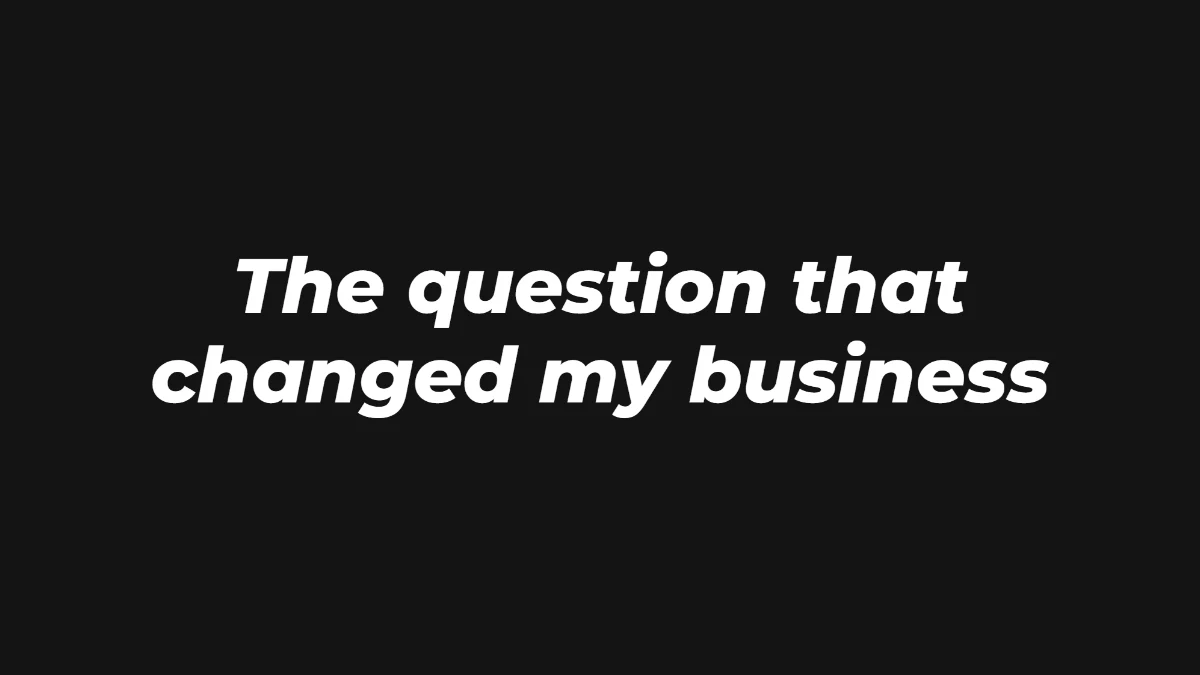
The podcast template Strong, no background
Bold white italic that reads over a studio or a video call. Open it, type your line, download the PNG.
Use the podcast templateA podcast clip title card is the short line on screen at the start of a clip cut from a longer episode. A clip usually starts in the middle of a conversation, so the card does the job the intro would have done: it tells people what this moment is about before they swipe.
Quick answer
Name the moment, not the episode. One idea in two short lines, in the top third of the frame, above the speakers' heads. Keep it up for the first 3 to 5 seconds, and never write "Episode 12" or a date as the hook.
Bold white italic that reads over a studio or a video call. Open it, type your line, download the PNG.
Use the podcast templateExample lines to start from. Swap in the real moment from your episode.
More formats in the Reels hook text guide, and how to get the PNG into Premiere Pro, CapCut or DaVinci in title cards on PC.
The moment, not the episode. Use the line a listener would quote, or the question right before it, in about two short lines.
In the top third of the frame, above the speakers' heads. For stacked video-call clips, put it on the seam between the two webcams.
For the first 3 to 5 seconds, so people can read it before they decide to keep watching. You can remove it after that.
No. A number tells a new viewer nothing about why they should watch. Put the episode number and the full episode link in the caption.
Yes. No sign-up, no watermark. It exports a transparent PNG you can add to any video editor.
Free, no sign-up, nothing to install. Type your line, pick a style, download a transparent PNG.
Open the maker