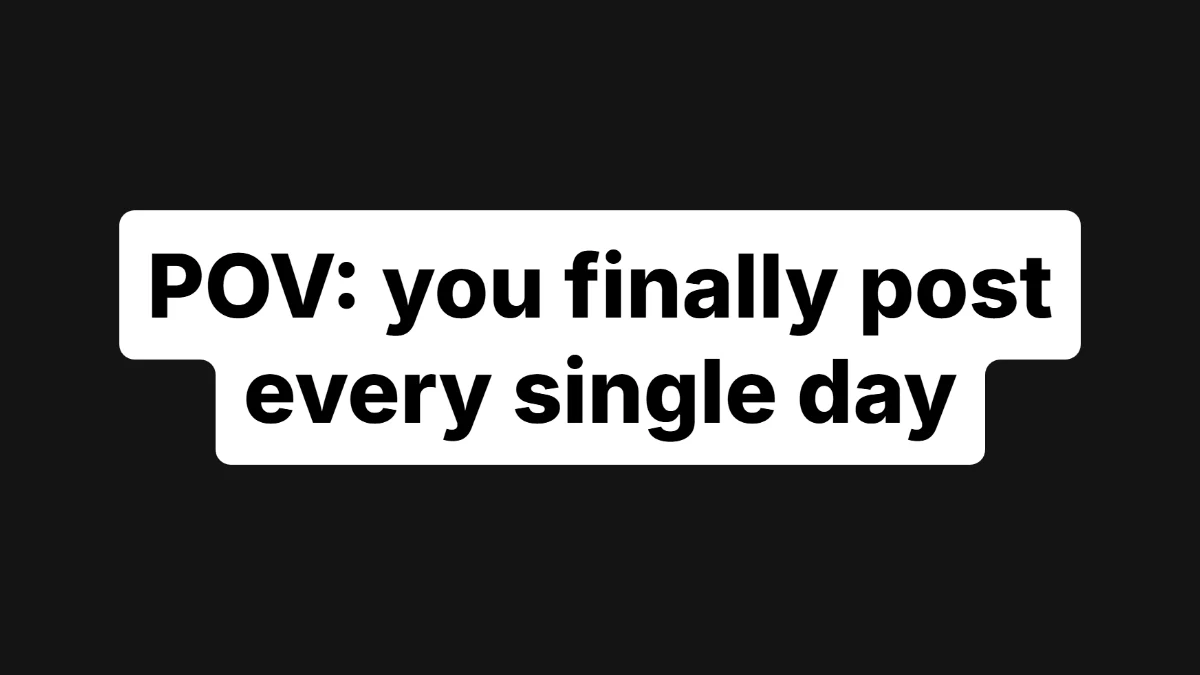
POV hook Classic, white pill
The most common hook on Reels: bold black text on white stacked pills. Start with POV and say the situation in one line.
Use this templateFive ready-made Instagram title card templates for Reels hooks. Pick one, it opens in the maker with the style, colours and a starter line already set. Type your own text over it and download a transparent PNG for CapCut, Premiere Pro or DaVinci Resolve.
Every preview below is a real export from the maker, not a mock-up.
The most common hook on Reels: bold black text on white stacked pills. Start with POV and say the situation in one line.
Use this template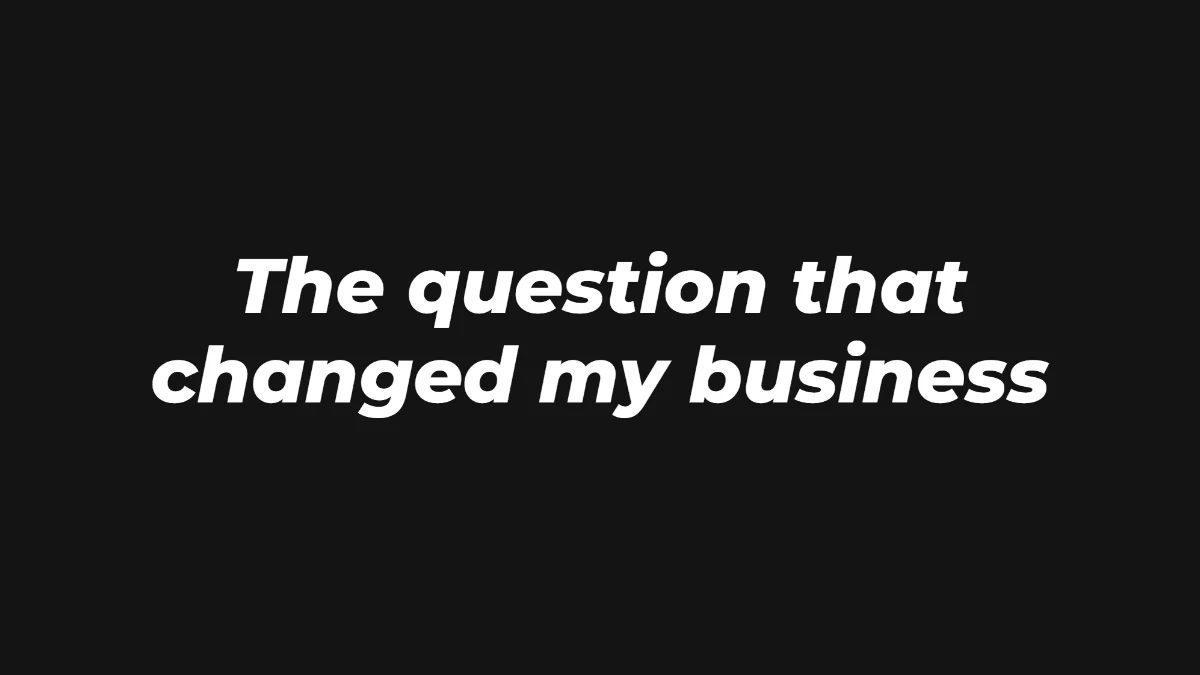
Heavy italic white text for clips cut from a podcast or interview. Tease the moment, don't give it away.
Use this template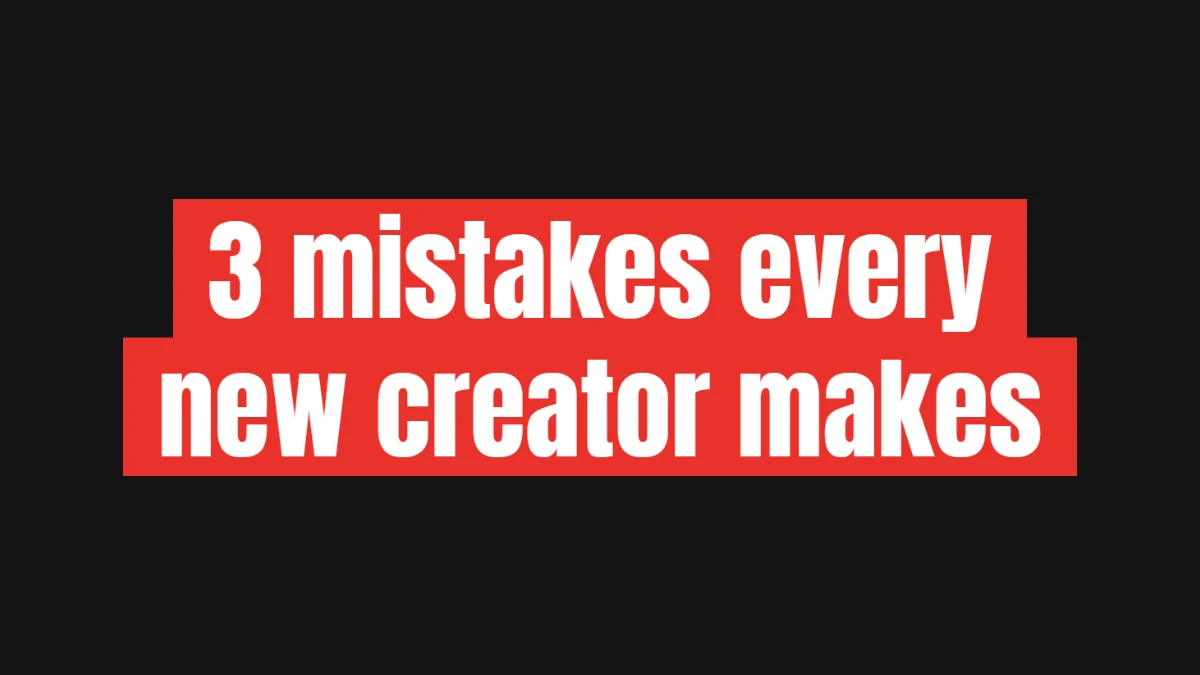
Tall, tight lettering on a solid colour. A number up front tells people exactly what they get for watching.
Use this template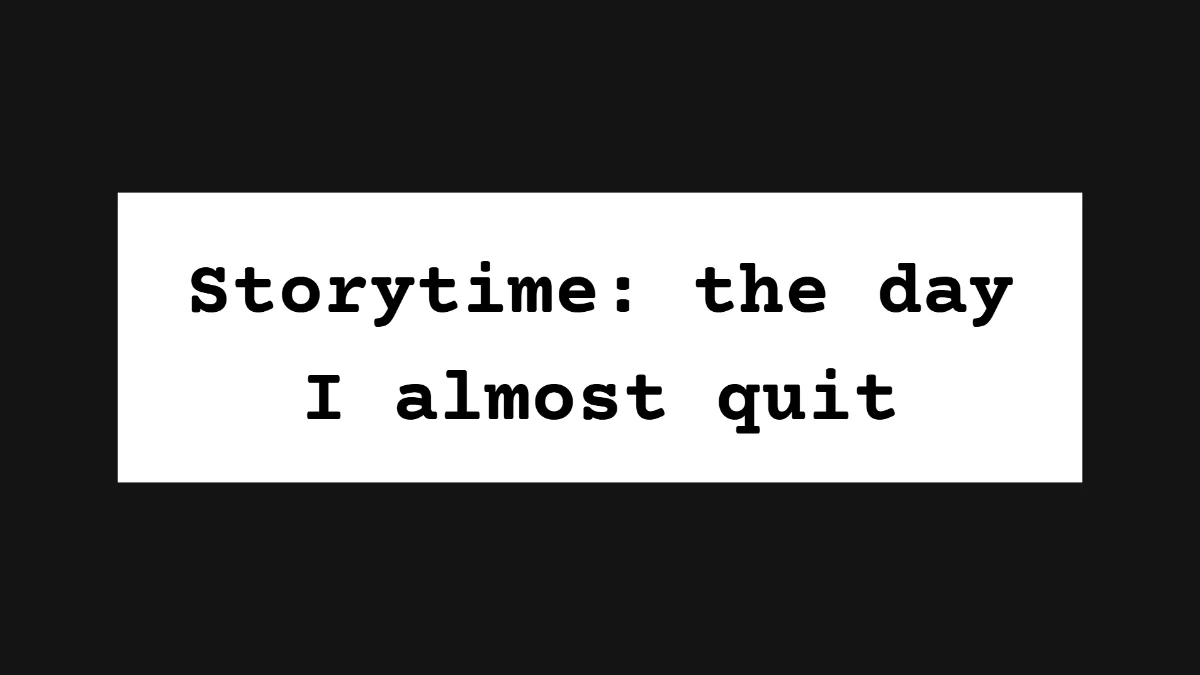
The typewriter look for personal stories and day-in-the-life Reels.
Use this template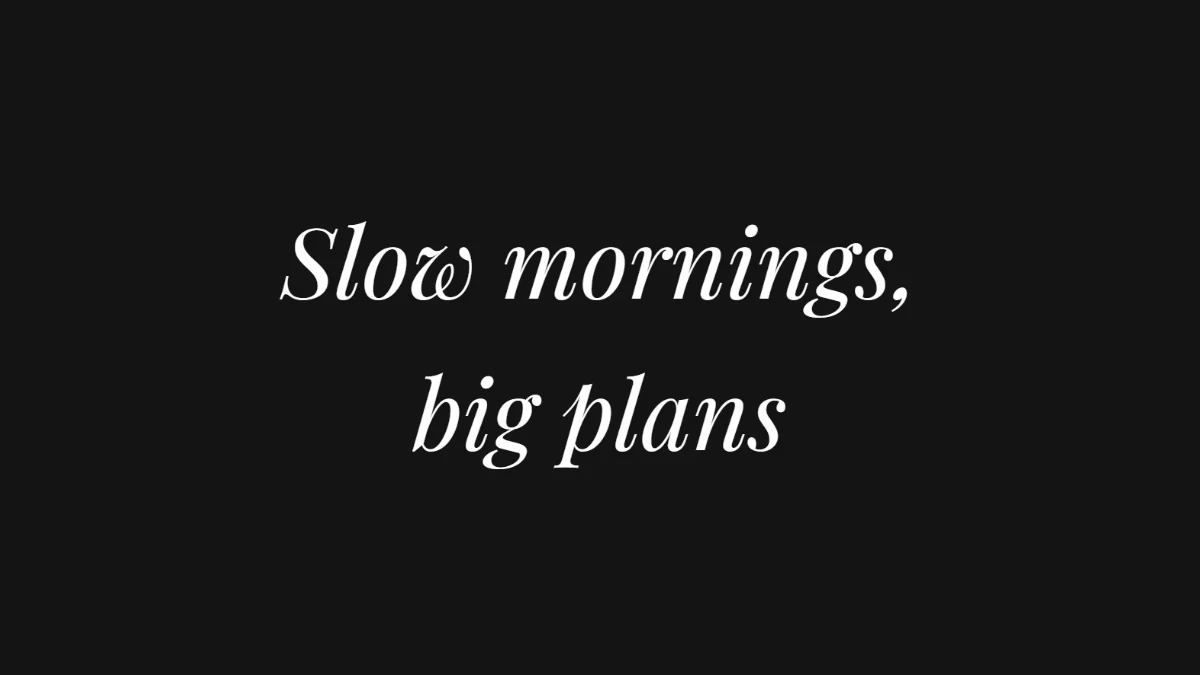
A light italic serif for quotes, beauty, interiors and slow-living Reels.
Use this templateWriting the line is the hard part. The Reels hook text guide has the formats that work.
Yes. The templates and the maker are free, with no sign-up and no watermark on the PNG.
Yes. A template only sets the starting point. Colours, size, font, background and spacing can all be changed before you export.
Yes. The export is a plain transparent PNG, so it drops onto any video editor timeline as an image layer.
Yes. Set the look you want and use Save style in the maker. Saved styles stay in your browser for the next card.
Free, no sign-up, nothing to install. Type your line, pick a style, download a transparent PNG.
Open the maker