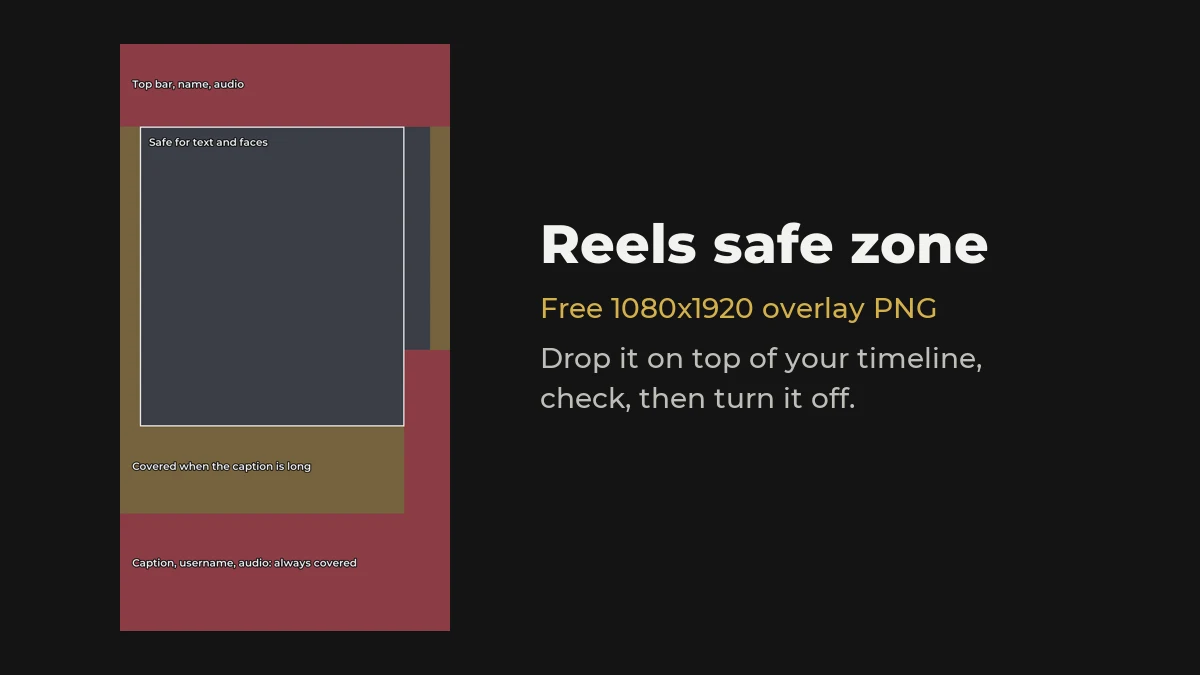
Free overlay 1080x1920 transparent PNG
Put it on the top track of your timeline in Premiere Pro, CapCut or DaVinci, check your text and framing, then switch it off before you export.
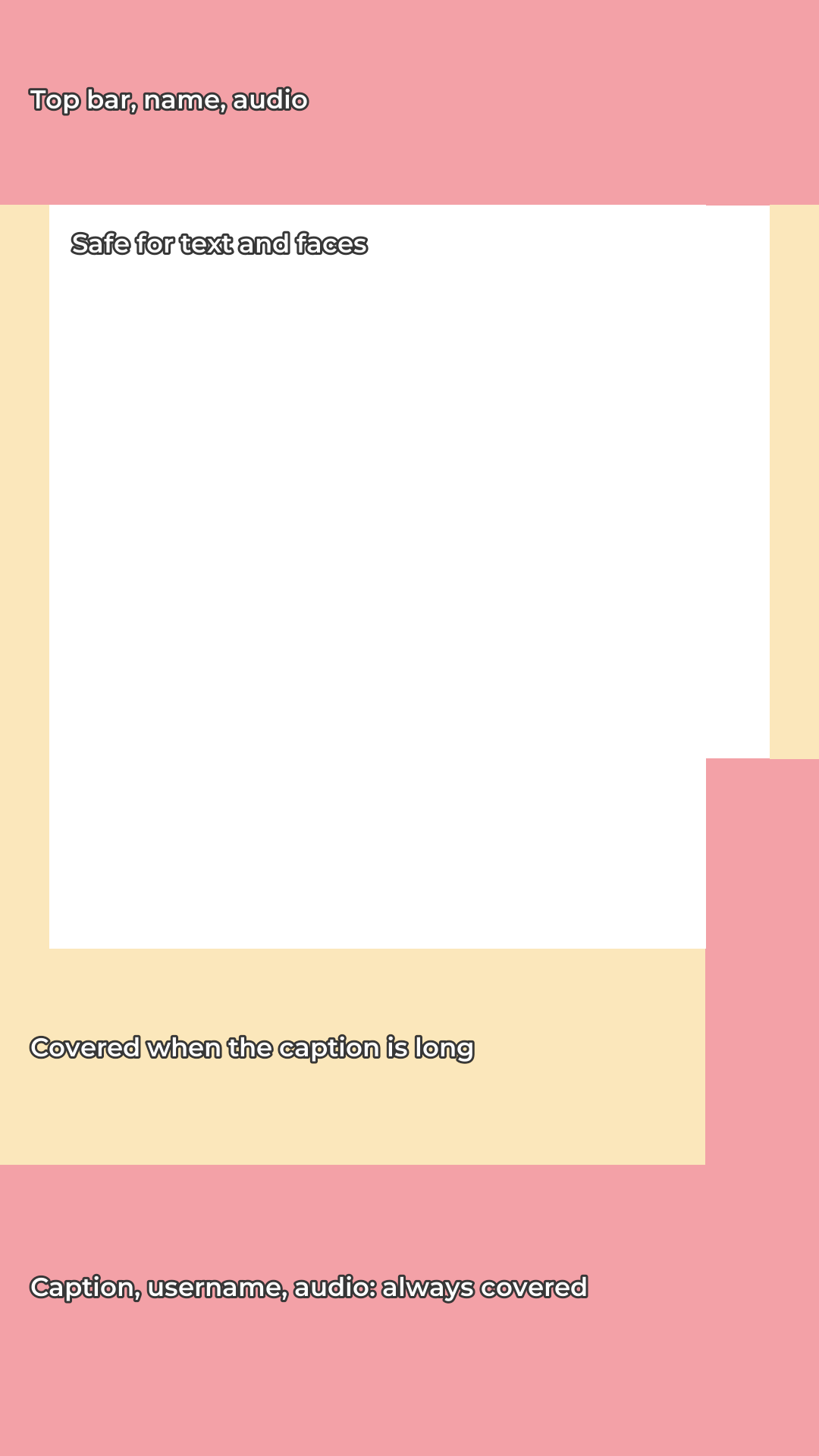
Download the overlayThe Reels safe zone is the part of a 9:16 video that the Instagram app doesn't cover. The top bar, your name, the caption, the audio line and the like and share buttons all sit on top of your video. Text or a face under them gets hidden.
Quick answer
On a 1080x1920 Reel, keep text and faces out of the top 270 px and the bottom 670 px, and away from the right edge where the buttons are. The bottom 384 px is covered on every Reel. Above that, the caption covers more when it runs long.
Put it on the top track of your timeline in Premiere Pro, CapCut or DaVinci, check your text and framing, then switch it off before you export.
Download the overlayInstagram changes its layout often, phones have different screen ratios, and Meta describes safe zones in percentages rather than pixels. That's why one guide says 250 px and another says 340 px for the bottom. This overlay uses the cautious end. If your text clears it, it should clear the app on most phones. Still check one post on your own phone the first time.
The Reel cover is 1080x1920, but your profile grid shows a 3:4 crop from the middle. Keep the cover's title inside the centre 1080x1440 so it reads on the grid as well.
Put the title card just under the top zone, and your captions in the lower middle, above the bottom zone. For a two-person podcast frame, see podcast clip title cards.
Posting the same video on Shorts and TikTok too? See title cards for Shorts and TikTok.
The area of the 9:16 frame that the app doesn't cover with its own buttons and text. On a 1080x1920 Reel, keep text out of the top 270 px, the bottom 670 px and the right-hand button column.
There is no official pixel size and guides differ. A cautious safe area on a 1080x1920 Reel runs from about 270 px down to about 1250 px, between 65 px from the left and 150 px from the right.
In the lower middle of the frame, above the bottom 670 px, and away from the buttons on the right.
Download the transparent PNG, put it on the top video track over your edit, check your text and framing, then hide the track before exporting so it isn't in the final video.
Yes. Download it and use it in any project.
Free, no sign-up, nothing to install. Type your line, pick a style, download a transparent PNG.
Open the maker